Page updated
Pick a wake-up time. Your sound stops a minute before it.
The Lull sleep calculator is a free Android app with sleep sounds. Put on brown noise, rain or a fan. It fades out and goes silent a minute before your wake-up time, so your alarm isn't drowned out. Or let it play all night.

Lull is for Android phones.
Free, with one banner ad that hides while a sound plays. Remove Ads is $1.99, one-time.

How it works
-
Start from a wake-up time or a bedtime
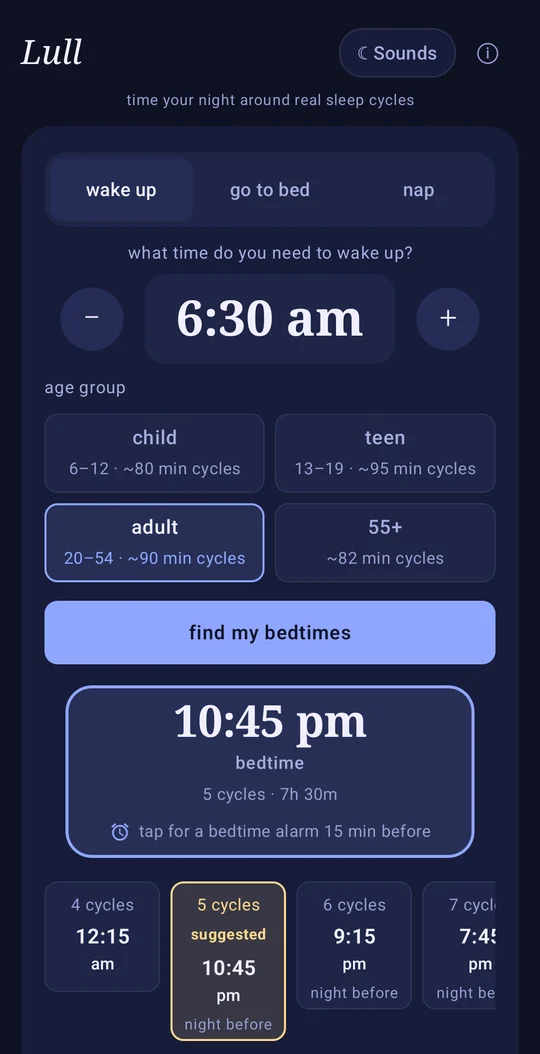
Enter the time you need to be up and Lull lists bedtimes, or enter your bedtime and it lists wake-up times. Each one falls at the end of a full sleep cycle. The calculator on this site counts 90-minute cycles for everyone. The app uses the same 90 minutes for ages 20 to 54 and a different cycle length for its other three age groups (see “Cycle length by age” below). So if you're under 20, or 55 and over, the app's times can differ from the site's.
-
Tap a time to set it in your Clock app
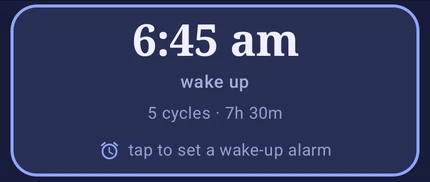
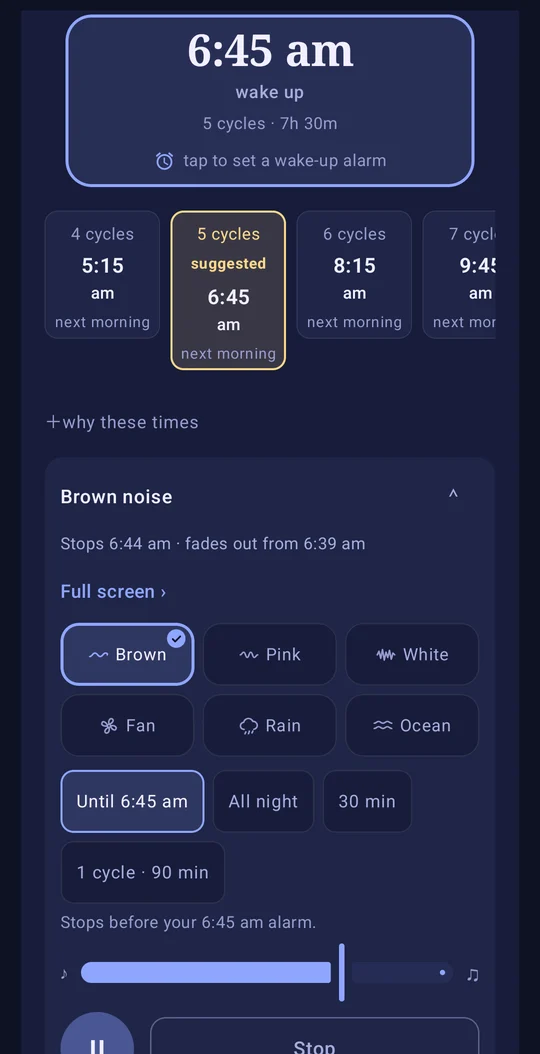
Tap a wake-up time and your phone's Clock app opens with the alarm filled in. Tap a bedtime instead and it sets a reminder for 15 minutes before you go to bed. You tap Save, and the ringing comes from your usual Clock app, not from Lull.
-
Choose a sound
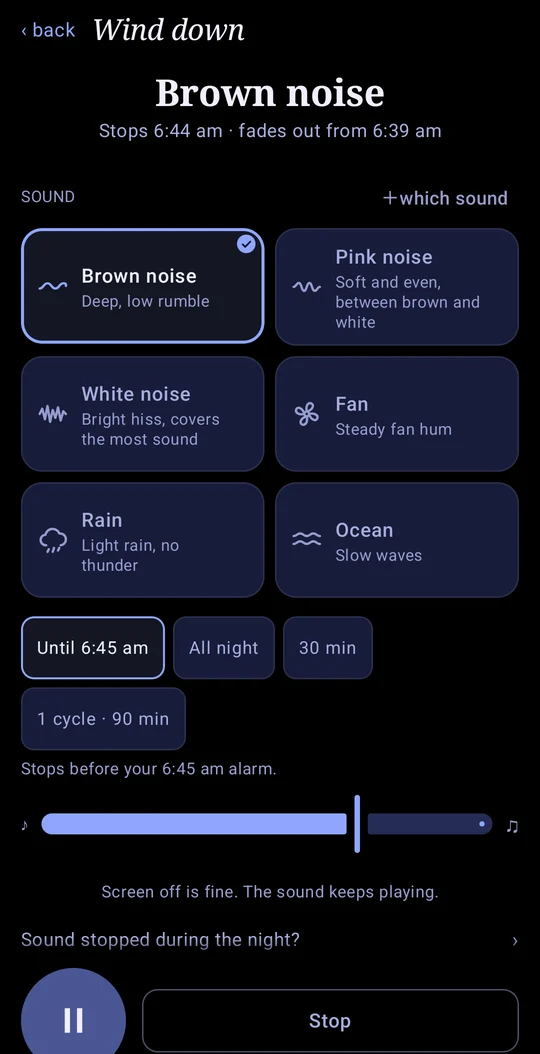
Brown, pink or white noise, fan, rain or ocean. It fades out over five minutes and ends a minute ahead of your wake-up time.
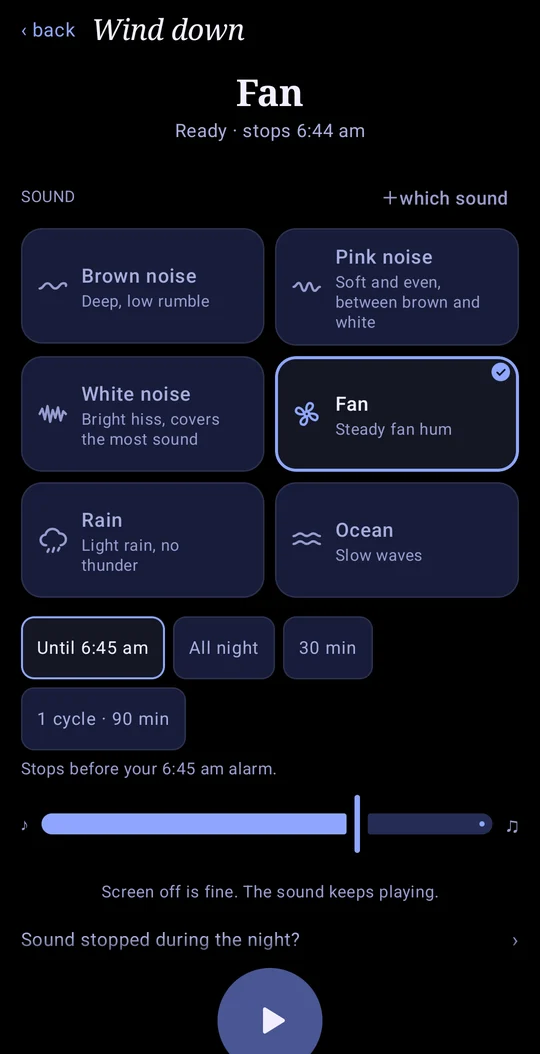
From a wake-up time to a timed sound takes about three taps: one to see your times, one to send the alarm to your Clock app (you still tap Save there) and one to start a sound that already knows when to stop.
None of the four apps we checked lists these on Google Play
- Sound stops before your phone's next alarm
Set your alarm in any clock app. Lull's sound stops a minute before it rings, or plays all night if you prefer.
- Or at the wake-up time from your result
Pick a wake-up time in the calculator and the sound ends just before it.
- Cycle length by age
Like this site, the app uses 90-minute cycles for ages 20–54. The other three age groups get their own length: 80 minutes for ages 6–12, 95 for 13–19 and 82 for 55+.
- Four nap goals, coffee nap included
They run from a 20-minute power nap to a full 90-minute cycle.
Checked against Sleep Time, sleepytime, White Noise Lite and Sleep Cycle on their US Google Play pages, 22 October 2026.
Small things that help at night
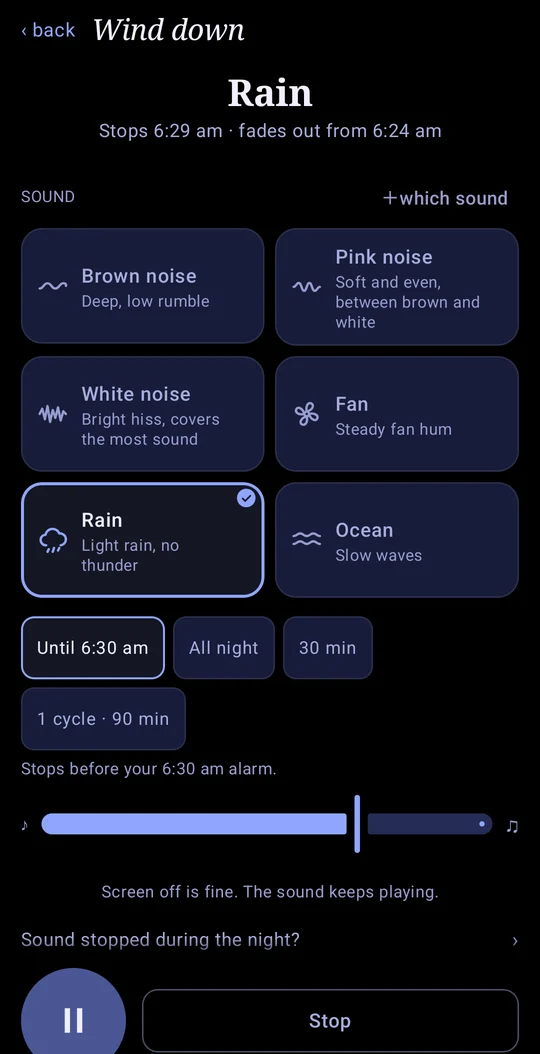
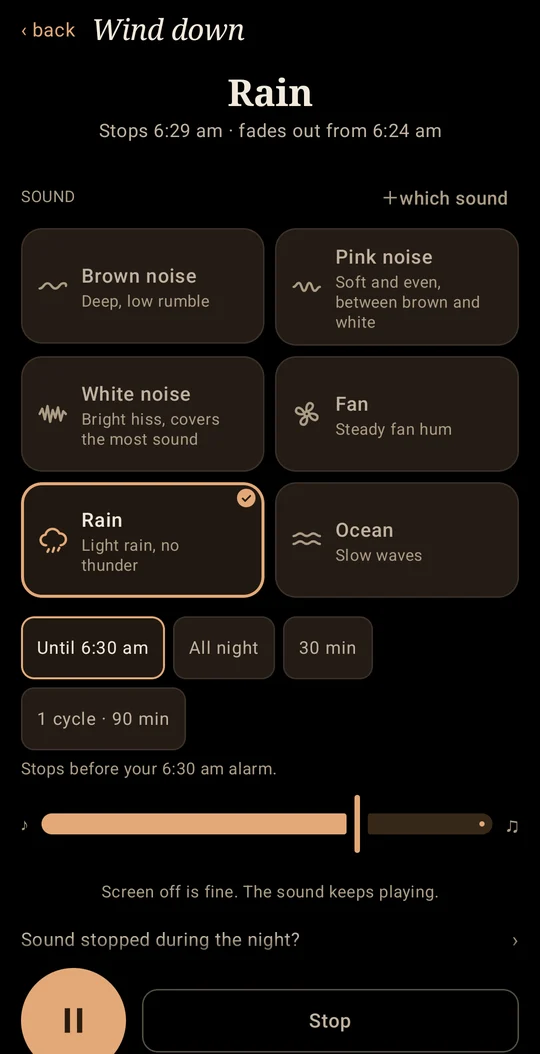
- A Wind-down screen that dims itself
It goes black while the sound plays and dims after a few seconds if you don't touch it.
- Ads that stay out of the way
One small banner, hidden while a sound plays. No full-screen ads.
- No microphone permission
Lull doesn't ask for it. Three of the four apps in the table below do, on their Play listings.
- Sounds that play offline
All six are built in, so they work on a plane or in a hotel with no Wi-Fi.
- A timer that knows your sleep cycle
Stop the sound after one cycle or at a set time, or let it play all night.
- Help inside the app
Not sure which noise to pick? A short guide explains brown, pink and white. If the sound cuts out early, “Sound stopped during the night?” shows what to change.
How Lull compares
Four sleep apps people often find next to Lull on Google Play, side by side.
| Lull sleep calculator | Sleep Time | sleepytime | White Noise Lite | Sleep Cycle | |
|---|---|---|---|---|---|
| Where Lull goes further | |||||
| Sound stops before your phone’s alarm (set in any clock app) | Yes | – | – | – | – |
| Sound stops at the wake-up time from your result | Yes: 1 min before, 5-min fade | – | – | – | – |
| Cycle length by age | Yes: 4 age groups | – | – | – | – |
| Nap calculator | Yes | – | – | – | – |
| Coffee nap | Yes | – | – | – | – |
| No microphone access needed | Yes | Yes | Asks for it | Asks for it | Asks for it |
| The basics, covered | |||||
| Bedtime and wake-up times from sleep cycles | Yes | Yes | Yes | – | – (smart alarm instead) |
| Sleep sounds built in | 6, offline | – | Yes | Yes | Yes |
Facts from each app's US Google Play page, checked . “–” means not listed on its Google Play page. Apps change, so check the store before you install.
What it costs
Free to use, sounds included.
- One banner ad, hidden while a sound plays.
- No pop-up or video ads, and ads never make a sound.
- Remove Ads: $1.99, one-time. Google Play shows it in your currency.
- Changed phones? Restore purchases is in the app's About screen.
Questions
Does Lull ring the alarm itself?
No, your phone's Clock app rings it, like any alarm you set there. Lull fills the alarm in and you tap Save. The sound ends a minute before it goes off, so nothing plays over your alarm.
Is the Lull sleep calculator free?
Yes. The calculator and all six sounds cost nothing. There's one banner ad, never shown while a sound plays, and Remove Ads takes it away for $1.99, one-time.
Does the sound keep playing with the screen off?
Yes. Turn the screen off and the sound carries on. Hours of sound use some battery, and some phones close background apps to save it. If the sound ever stops early, the app's “Sound stopped during the night?” link shows the setting to change.
Is there an iPhone version?
No, it's Android only. On an iPhone you can still use the calculators on this site in your browser.
Which phones does it work on?
Phones running Android 7.0 or newer. There is no iPhone version.
What languages is the app in?
English only.
Can I play two sounds at once?
No. One sound plays at a time, with one timer, so there's less to set up at night.
What if I haven't set an alarm?
The Lull app never rings an alarm itself. Its “Until alarm” timer needs one, so set an alarm in your phone's Clock app or tap a time in Lull first. Without one, pick 30 minutes, one sleep cycle or all night instead.
What data does the app collect?
The Lull app privacy policy lists what is collected and why. There's no account to create, and the app has no microphone permission.
The calculator you use here, on your phone, with a sound that stops on time.
 On a computer? Scan to open it on your phone.